Welcome to my blog! Looking for my Take 12, December Daily, Week in the Life or One Little Word posts? Don't forget to check out my Digital scrapbooking tutorials and free workshops at Digital Scrapbooking HQ
Showing posts with label tutorial. Show all posts

Tuesday, January 10, 2012

Want to learn about digital scrapbooking?

Calling all digital scrapbooking newcomers!

  • Do you want to get started digital scrapbooking?
  • Are you upgrading to Photoshop Elements 10 and want to learn the most efficient way to get a page created?
  • Wanting to participate in LOAD using digital layouts without spending your whole time fighting software?
  • Do you open up Photoshop Elements unsure where to start?
I’ll give you the essentials you need today – in under 20 minutes!
To read more and see 4 short video tutorials to help demystify Photoshop Elements 10 head over to Layout a Day and find out about the only 4 tools you'll need to get started.

Thursday, November 10, 2011

My Top 10 Paperclipping Episodes

Earlier this year I splashed out to get a Paperclipping Membership. I jumped on a special deal so got a whole bundle of goodies together. It was well worth the money, and I just renewed my membership. Every month you get 2 new video tutorials and occasionally Noell sends members other special goodies. Plus, now I'm a non-schmo... (PRT inside joke there)

Every month I look forward to the new videos and I've almost watched all 170 videos in the library. Noell has a unique was of explaining things.

Today I'm sharing with you my top 10 Episodes.

I'm mostly a digital scrapbooker but I look forward to the videos and always learn something new! Noell's a great presenter with a fresh take on design principles.

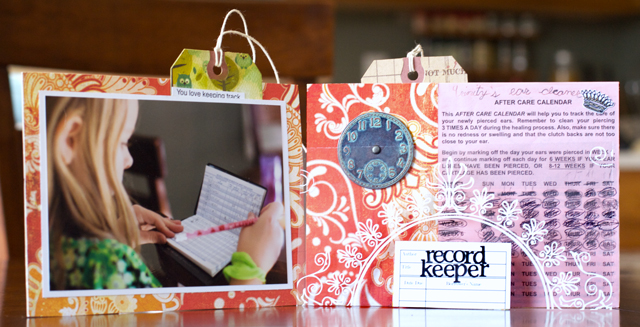
Let’s start with my all time favourite episode. I used this to help create Emily’s words book!

album copy


1. Paperclipping 150 – Task Batch Minibooking

queen_of_organized_1

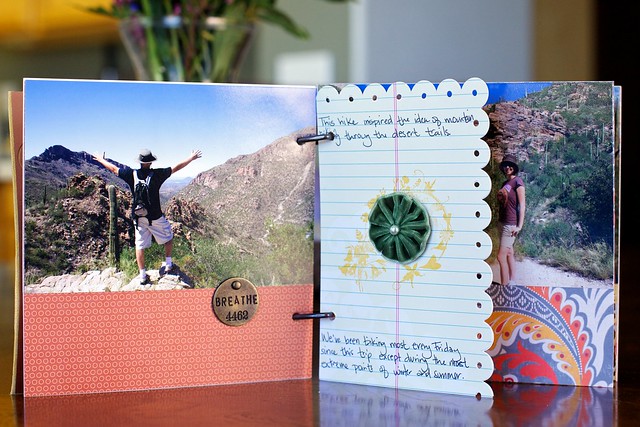
2. Paperclipping 162 – A Mini-Book in Two Hours
H (Tuscon) - 3
3. Paperclipping 163 – Layer and Texture with Color
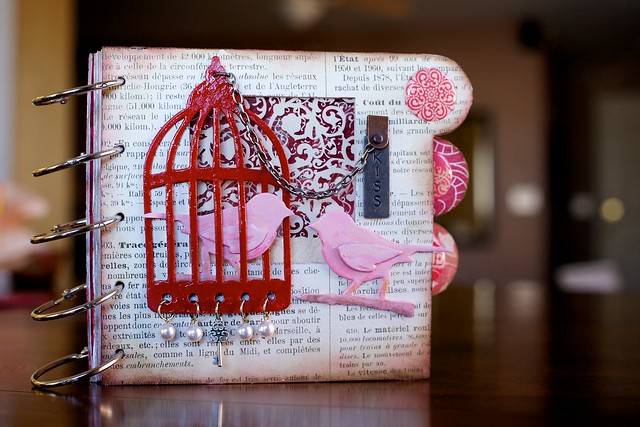
Kiss 1
4. Vintage Supplies for Modern Pages – Paperclipping 180
paperclipping_180

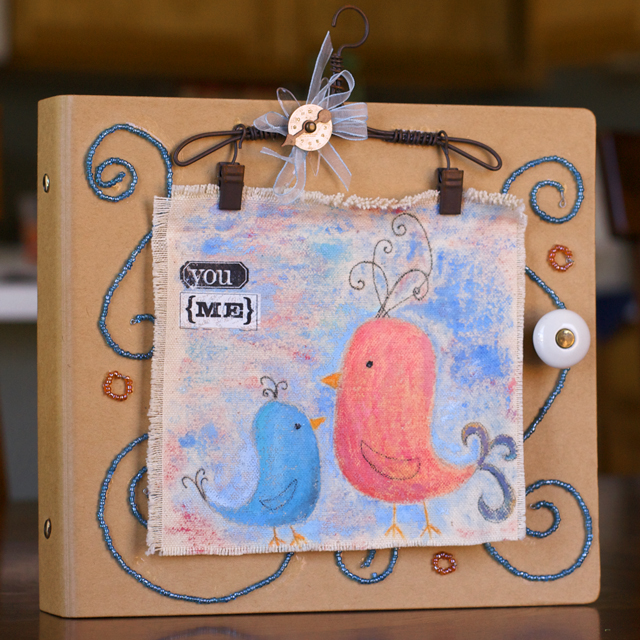
5. Paperclipping 149 – Repurpose Your Old Items
you_and_me_mini_cover

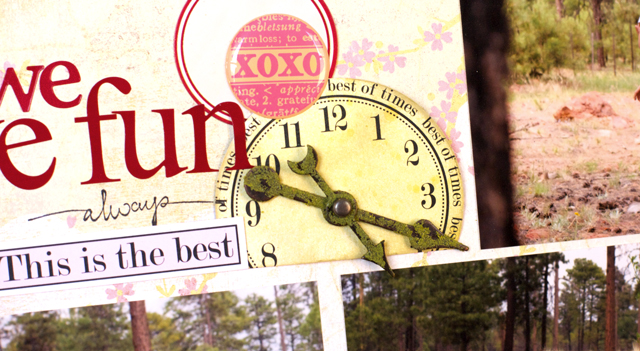
6. Paperclipping 152 – One Product, Multiple Ways and Styles
we_have_fun_closeup
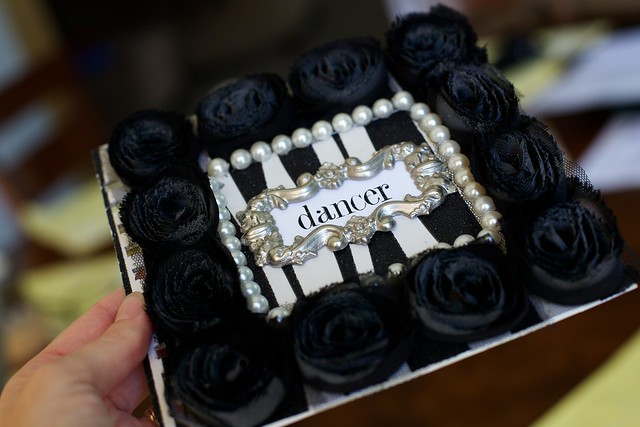
7. Easier Intricate Mini-Books – Paperclipping 174
Dancer angled
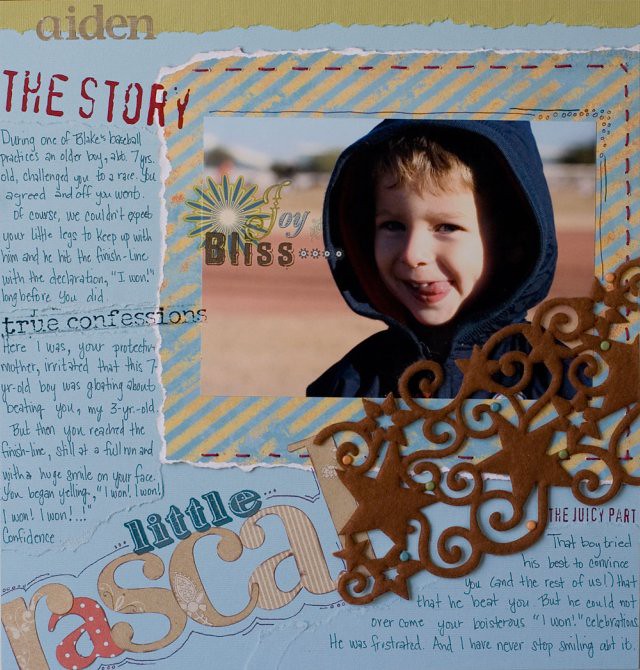
8. Paperclipping 147 – Fix Your Journaling Disasters
little_rascal
9. Paperclipping 145 – Gather Your Old Products
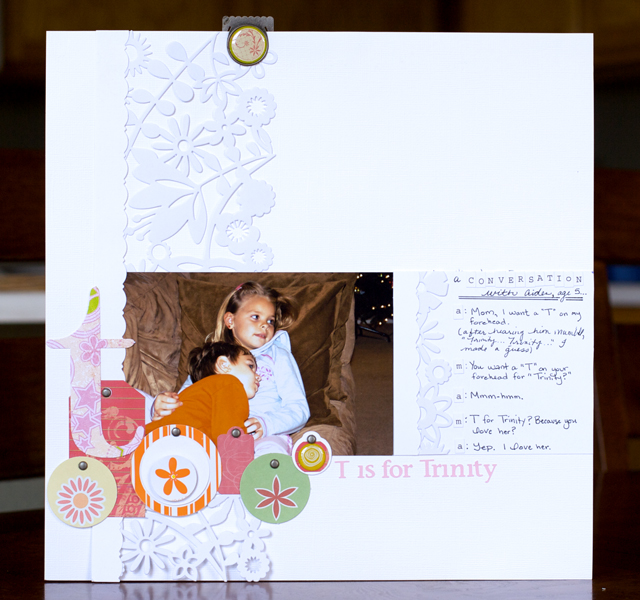
t_is_for_trinity
10. Paperclipping 142 – Scrapbooking with Everyday Items
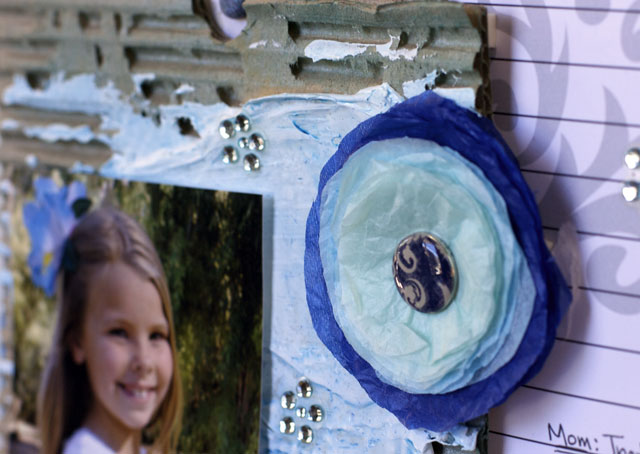
details
As you can see I love Noell’s minibooks, they inspire me to create.
Now I'm sure you want to sign up!

My previous 10 things posts:

Melissa
*affliliate links where possible- please use them to support my blog*

Sunday, May 8, 2011

Photoshop Elements Tutorial - Dodge and Burn tools

plainJust a quick note to let you know about my tutorial over at Learn to Scrapbook in Photoshop Elements.
It’s all about how to use the dodge and burn tools in Photoshop. A tip for those doing some digital scrapbooking!
If you want to learn more – why not head over and register for my latest free Photoshop Elements workshop that will be running in about 12hrs time!
I'll have both a live feed of my screen so you can follow along and I'll also have the web cam on so you can see me and even watch me use my Wacom Bamboo Pen and Touch! Fun stuff.
More details about the live Photoshop Elements workshop here.
Melissa

LinkWithin

Related Posts Plugin for WordPress, Blogger...